
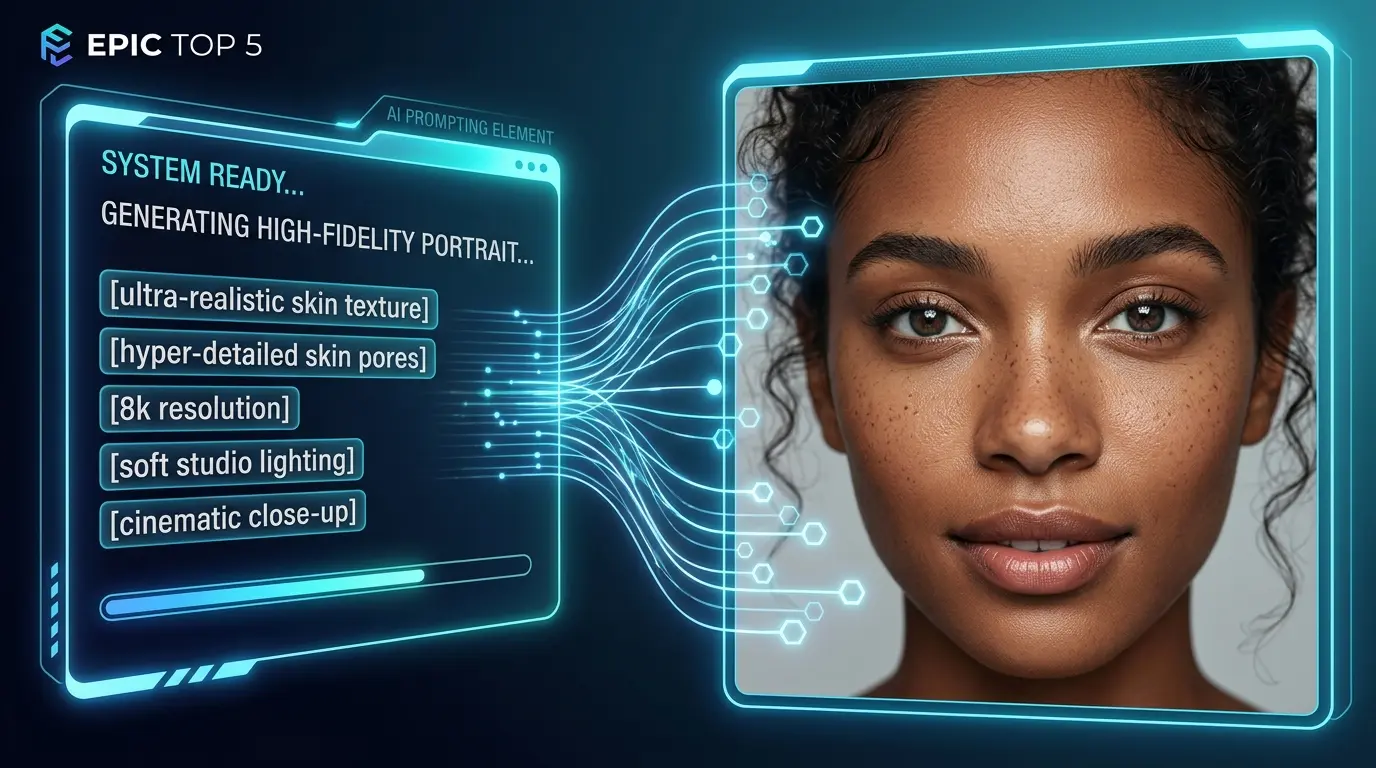
We’ve all been there. You spend twenty minutes tweaking a prompt, hit generate, and the result looks like a wax figure from a nightmare. The skin is too smooth, the eyes look like glass, and there’s that weird, plastic “glow” that screams this was made by a computer.
In 2026, the tech has caught up, but our prompting habits often haven’t. High-end models like FLUX.2 or Nano Banana 2 don’t need more adjectives like “hyper-realistic.” They need you to talk to them like a photographer. If you want a portrait that actually looks like a person you’d meet on the street, you have to lean into the imperfections.
The Anatomy of a “God-Tier” Portrait Prompt
Before we dive into the list, you must understand the “2026 Prompt Formula.” Modern AI models now respond to professional photography terminology better than vague adjectives like “hyper-realistic.”
The Formula:
[Subject] + [Action/Pose] + [Wardrobe] + [Lighting] + [Lens/Camera Specs] + [Texture Details]
Here are five prompts that move past the “AI look” and get into actual photography territory.
1. The Weathered Fisherman (Texture is Everything)
The biggest giveaway of AI is perfect skin. Real people have pores, scars, and sun damage. This prompt focuses on an older subject because the AI is forced to render complexity rather than smoothing things over.
The Prompt: A close-up shot of an elderly fisherman with deep wrinkles and skin that’s clearly spent years in the sun. He’s wearing a thick, dark wool sweater that looks a bit scratchy. We’re shooting this during golden hour, so there’s a soft light hitting the side of his face and catching the texture of his salt-and-pepper beard. Use an 85mm lens at f/1.8 to keep the focus sharp on his eyes while the background melts away into a natural blur.
Why this works: The “85mm” instruction tells the AI to stop distorting the face. It creates that classic, high-end portrait compression you see in magazines.
2. The Honest Office Headshot
Corporate headshots usually look terrible in AI because they get too shiny. To fix this, we have to explicitly ask for the “stuff” that usually gets edited out.
The Prompt: A professional studio headshot of a woman in her 30s wearing a simple charcoal blazer. The background is a plain, textured grey. We want this to look like a raw photo, so keep the natural skin moles, tiny fine lines, and zero airbrushing. Make sure there’s a clear catchlight in her eyes so she looks present and alive. Shot on a 50mm prime lens with a clean, corporate vibe.
The Secret: That “catchlight” is the tiny reflection of a light source in the eye. Without it, AI eyes look hollow and robotic.
3. The Rain-Slicked Street Photo
Candid photos are much harder to fake than studio shots. This one mimics the look of a high-end Leica camera used in a busy city.
The Prompt: A candid street photo of a guy with messy hair in a techwear jacket, standing under neon signs in Tokyo while it’s raining. I want to see actual rain droplets on his skin and the neon lights reflecting off his face. Let’s have a bit of high ISO grain to give it a film look and some slight motion blur in the background to make it feel like a real moment caught in time. Shot on 35mm.
Why this works: The “high ISO grain” is the magic ingredient here. It adds a layer of organic “noise” that breaks up the digital smoothness.
4. The Macro Eye Study
If you really want to test if a model is good, look at the eyes. Most AI struggles with the “moisture” of a real eye.
The Prompt: An extreme macro shot focusing entirely on a young girl’s green eye and her eyelashes. You should be able to see the individual fibers of the iris and the tiny freckles on the skin around the eye. Use a 100mm macro lens setting to get that hyper-sharp focus. Make sure the eye looks moist and reflects the light from a nearby window. 16k detail, no digital smoothing.
Why this works: By specifying a “100mm macro lens,” you’re telling the AI to ignore the rest of the body and put all its power into rendering those tiny, microscopic details.
5. The Moody Noir Portrait
Sometimes, the best way to make something look real is to hide parts of it in shadow. This uses a classic lighting technique called Rembrandt lighting.
The Prompt: A dramatic, moody portrait of a man in a black turtleneck. We’re using strong side-lighting so that half his face is in deep shadow while the other half shows every sharp detail. This is that classic noir look with high contrast. Use a medium format camera setting for a really rich, cinematic feel. It should look minimalist, expensive, and a bit mysterious.
Why this works: When you have “strong side-lighting,” the AI has to calculate how shadows fall across facial features, which usually results in a much more 3D, realistic face shape.
A Quick Cheat Sheet for Better Results
If you’re writing your own prompts, keep these three “human” rules in mind:
- Stop saying “Perfect”: Instead, ask for “visible pores,” “fine lines,” or “natural skin texture.”
- Talk about the Camera: Even if you aren’t a photographer, using terms like “85mm lens” or “f/1.8” tells the AI how to handle the background blur.
- Focus on the Eyes: Always ask for a “catchlight.” It’s the difference between a person and a mannequin.
In a world where everyone is using AI, the people who stand out are the ones who know how to make it look like they didn’t use it at all. Give these a try and see how much the “human” factor improves your generations.
Conclusion: Why Your Prompts Matter in 2026
As Search Engines like Google and Gemini begin to prioritize AEO (Answer Engine Optimization), they are looking for “Verified Realism.” By using professional photography specs in your prompts, you aren’t just making “pretty pictures”—you are creating high-authority visual assets that search engines recognize as high-quality content.
Which of these prompts will you try first? If you’re looking to build a faceless YouTube channel or a viral Instagram brand, mastering these realistic portraits is your first step toward total digital authority.
 epictop5.com